How to get to ‘Care Instructions’ in MyCHOP

Tip sheet for patients and families

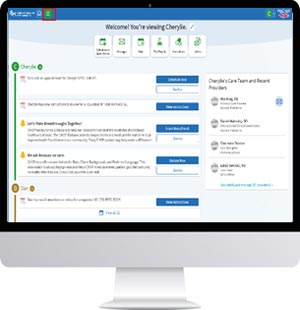
Your CHOP team may send education about your child’s care to their MyCHOP account. You will get an email to let you know that education has been shared. Follow these steps to see the education in the ‘Care Instructions’ tab in your child’s account.

MyCHOP Mobile App:

How to get to Care Instructions:

  1. Log in to MyCHOP

  2. Education will be in the patient’sMyCHOP account. If you have more than one child, choose the child who was recently seen at a CHOP location.
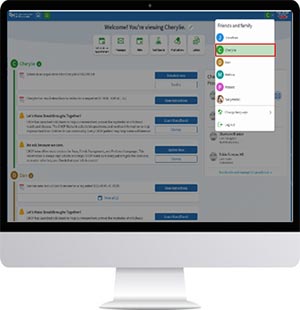
  3. Choose Menu in the patient’s account.

MyCHOP Website:

How to get to Care Instructions:

  1. Log into MyCHOP

  2. Education will be in the patient’s MyCHOP account. If you have more than one child, choose the child who was recently seen at a CHOP location.

  3. Choose Menu in the patient’s account.


  1. Scroll down through the menu items and click Care Instructions or search the menu for Care Instructions.

  2. Click a title to view, download or print


  1. Scroll down through the menu items and click Care Instructions or search the menu for Care Instructions.

  2. Click a title to view, download or print